
ALLEN & HEATH · XONE:96 · REPAIR GUIDE
Allen & Heath Xone:96 Servicing and Repair – Filters, Faders and USB
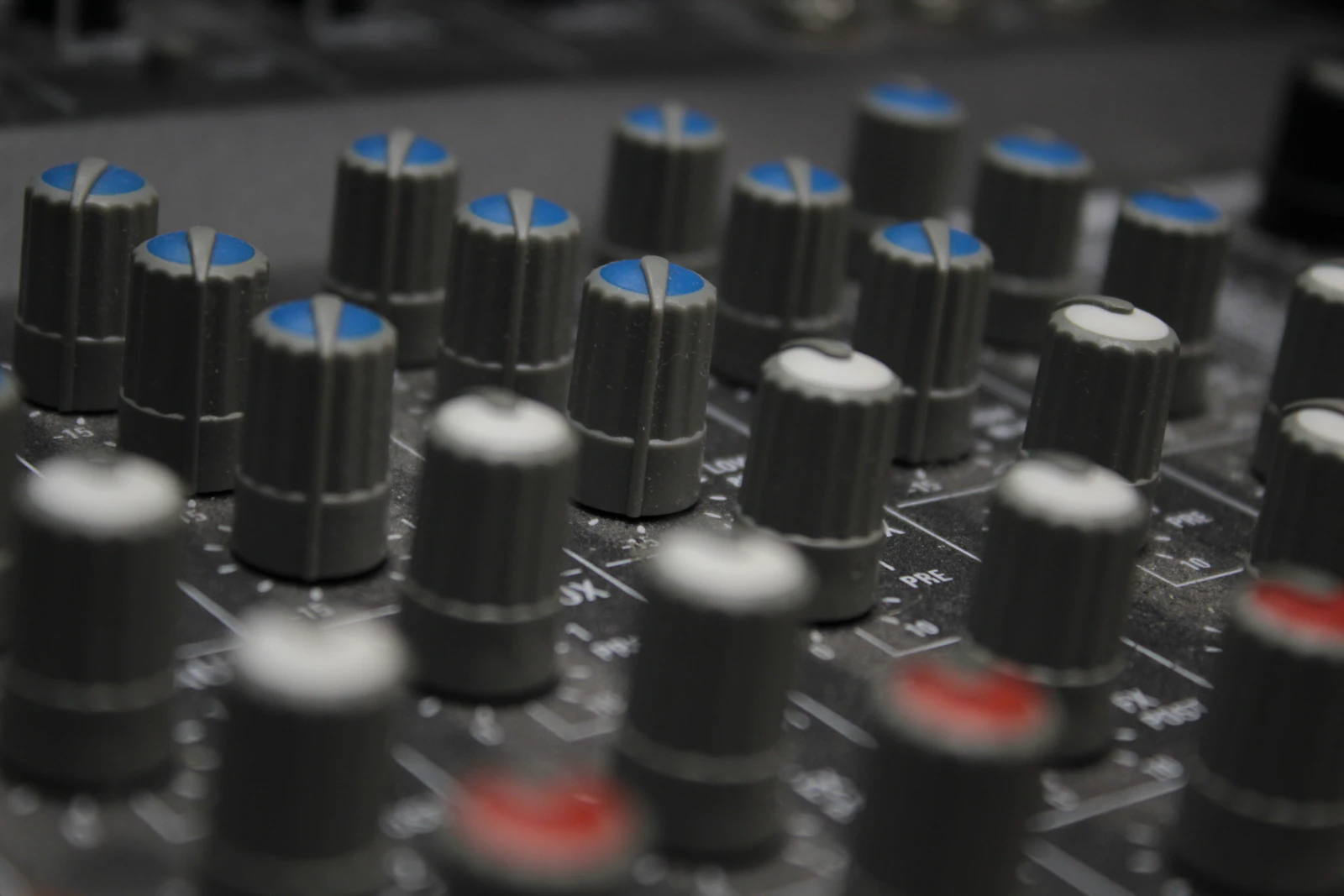
The Allen & Heath Xone:96 is an analogue club mixer with four stereo channels and two stereo returns, two built-in USB sound cards, dual Xone filters and a Crunch distortion circuit. It is popular in clubs and studios because it combines a classic analogue sound with modern connections.
Like any mixer used heavily, it needs looking after. This guide covers the faults most often seen on the Xone:96, what to check yourself, and what a service involves.
IDENTIFY THE FAULT
Common symptoms
- Crackling or scratchy EQ, gain or filter controls.
- A filter that does not sweep smoothly or does not respond.
- A channel fader or crossfader that crackles, cuts out or bleeds.
- USB audio dropping out, or the computer not recognising the mixer.
- Hum or noise on one channel or one output.
What causes it
The Xone:96 has two independent filters with high-pass, band-pass and low-pass modes, plus Crunch, which adds harmonic distortion to the filters. These controls are used heavily during sets, so they are among the first to show wear.
Its four main channels use 60 mm VCA faders, and the crossfader is an Innofader Mini. VCA faders control the level electronically rather than carrying the audio directly, which helps them stay quiet, but they still wear and can be affected by dirt and spills.
The mixer has two USB sound cards, each 24-channel, 32-bit and 96 kHz. USB faults are often caused by cables, computers or drivers, but a damaged USB socket can also be to blame.
The Xone:96 also sends MIDI over USB and 5-pin DIN. If MIDI control of software stops working while the audio is fine, the cause is usually the MIDI settings, cable or software rather than the mixer’s audio circuits, and it should be tested separately.
Servicing a mixer used in clubs
A club mixer is used for long hours, often in warm, smoky or dusty conditions, and is exposed to spills. A regular service catches wear before it causes a problem in a set.
A service is also a good time to check sockets and connectors. The Xone:96 has a lot of connections on the back, including sends and returns, a master insert, booth output, X:LINK and MIDI, and loose or worn sockets can cause intermittent faults.
Because the Xone:96 is analogue, a faulty channel can usually be traced through its signal path with test equipment, making diagnosis efficient.
The Xone:96 has a booth output with its own 3-band EQ and dual headphone cue systems. If noise or a fault appears on only one output, test the others: a fault on the booth output alone, for example, points to that output stage rather than the channels.
BEFORE YOU BOOK
Things to check before booking a repair
- Turn each control slowly through its range and note any that crackle.
- Test both filters in each mode on each channel.
- Move each fader and the crossfader across their full travel.
- For USB problems, try another cable, port and computer, with no hub.
- Swap sources between channels to see whether a fault follows the channel.
- Do not spray cleaner into the mixer or open it.
A list of every affected control and channel is very useful, especially if the faults are intermittent.
Note any spill or heavy use in the mixer’s history, as it can point towards the controls most likely to be affected.
For USB faults, note which of the two sound cards and which computer you were using, and whether the computer recognised the mixer at all. That helps separate a cable or driver issue from a hardware fault.
If a filter sounds harsh or distorted, check that Crunch is switched off before assuming a fault. Crunch deliberately adds harmonic distortion to the filters, and it is easy to leave on by accident.
WORKSHOP APPROACH
How we repair it
Ned tests every channel, control, fader and output, not just the reported fault, so all wear is found at once.
Worn pots and faders are cleaned or replaced as needed, spill residue is cleaned, and sockets and connectors are checked and repaired. USB faults are traced to the cable, socket or circuitry.
After the service, the mixer is tested through all its channels, filters, outputs and USB connections.
Why repair rather than replace
The Xone:96 is a premium analogue mixer, and its controls and sockets are serviceable parts. Repair keeps it working for many more years.
A service also gives peace of mind before a busy season of bookings.
Looking after the mixer between services helps too. Use a dust cover, keep drinks away from the top panel, and avoid leaving the mixer in a hot car or a damp store room. Small habits like these reduce wear on the controls and protect the sockets and boards inside.
For venues with a Xone:96 in the booth, a regular service schedule means problems are found before they affect a DJ’s set, and the mixer stays consistent from night to night.
COMMON QUESTIONS
FAQ
How many USB sound cards does the Xone:96 have?
Two, each 24-channel, 32-bit and 96 kHz.
What crossfader does it use?
An Innofader Mini.
Can scratchy controls be fixed?
Yes. Dirty controls may be cleaned and worn ones replaced.
For more information about the equipment supported at the workshop, see our audio repairs in Bristol page.
SOUND SOLUTION AUDIO REPAIRS · BRISTOL
Related repair guides: Xone:92 scratchy pots and Xone:62 servicing and repair.
Need help with your equipment?
Contact Ned with the exact model, a short description of the fault and when it happens, and any recent history such as a spill, drop, move or firmware update. Mention any upcoming booking so the repair can be planned around it.
Related repair guides: Allen & Heath Xone:DB4 Servicing and Repair · Allen & Heath Xone:42 Servicing and Repair · Allen & Heath Xone:92 Channel Not Working With Hum · Allen & Heath Xone:92 Filter Not Working