
PIONEER DJ · DDJ-1000SRT · REPAIR GUIDE
Pioneer DJ DDJ-1000SRT Jog Wheel Touch Problems – Serato Repair
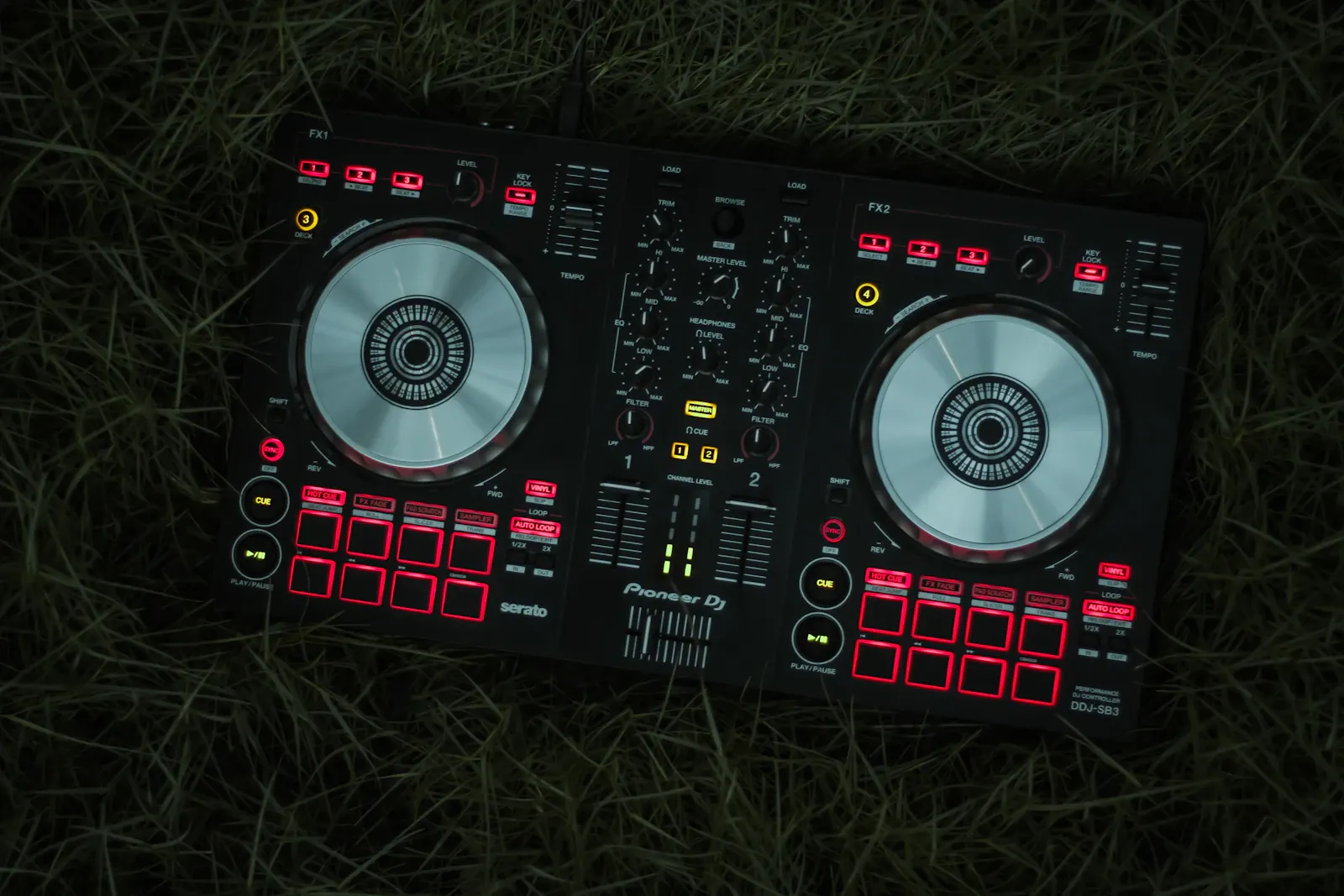
The Pioneer DJ DDJ-1000SRT is the Serato DJ Pro version of the DDJ-1000. Its large jog wheels have a touch-sensitive top surface and an on-jog display, and they are designed to feel close to a club CDJ.
When the top of the jog stops responding to touch, scratching and stopping a track become unreliable. This guide explains how the jog wheels work, which settings affect touch, and how to tell a set-up issue from a hardware fault.
IDENTIFY THE FAULT
Common symptoms
- Touching the top of the jog does not stop the track or let you scratch.
- The jog responds only some of the time, or only on one deck.
- Touching the jog makes the track wobble or slow rather than stop.
- The VINYL indicator on the jog display does not reflect the mode you expect.
- The jog turns smoothly but the software does not follow it.
What causes it
According to the DDJ-1000SRT manual, turning the top section of the jog scratches when VINYL mode is on and bends the pitch when VINYL mode is off. The outer section always bends the pitch. VINYL mode is switched on and off by pressing SHIFT and the SLIP button, and its status is shown by a VINYL indicator on the jog display.
So the first cause to rule out is simply the mode. With VINYL mode off, touching the top of the jog will not stop the track, which can easily be mistaken for a fault. The same applies if the mode was changed by accident during a set.
Hardware causes include contamination of the touch surface or its contacts, a damaged jog assembly after a knock, or a fault in the touch detection circuitry. A single deck affected while the other works normally is a useful sign that the problem is in that jog rather than in the software.
JOG ADJUST and touch are different things
The DDJ-1000SRT also has a JOG ADJUST knob. The manual says it adjusts the load applied when the jog wheel is turned: clockwise makes it heavier, anticlockwise lighter. It changes how the wheel feels, not how the top responds to touch.
If the jog is too heavy or too light, check the JOG ADJUST setting before assuming a fault. If the jog feels normal but touch is unreliable, the issue is with touch detection rather than the adjuster.
Software settings can also matter. The controller needs the correct Serato DJ Pro version and driver, which the manual says must be downloaded from the Pioneer DJ support site.
BEFORE YOU BOOK
Things to check before booking a repair
- Check the VINYL indicator on the jog display, and toggle VINYL mode with SHIFT and SLIP.
- Compare the two jogs to see whether one deck is affected or both.
- Make sure Serato DJ Pro and the driver are up to date and support the controller.
- Connect directly to the computer without a USB hub, using a good USB cable.
- Clean the top of the jog gently with a dry cloth, and make sure your hands are dry.
- Do not open the controller or lift the jog wheels.
Try the controller with another computer if possible. If both jogs fail on one computer but work on another, the cause is likely to be software or driver related.
If only one jog is affected on every computer, note whether the problem started after a drop, spill or transport, as that points towards a mechanical or contamination fault.
It also helps to note which DJ software version you were running when the fault started. A recent update to Serato DJ Pro, the driver or the operating system can change how the controller behaves, and knowing the timing makes it easier to tell a software change from a hardware fault.
WORKSHOP APPROACH
How we repair it
Ned tests both jogs on a workshop computer with a known-good Serato DJ Pro set-up, so software issues are ruled out first.
If one jog is faulty, its touch surface, connections and assembly are inspected. Contamination is cleaned properly, and damaged parts are replaced. The jog is then checked for even rotation, correct touch response and normal display operation.
Testing covers scratching, stopping, pitch bend, VINYL mode switching and the JOG ADJUST range.
If the jog display or its indicators are also misbehaving, the display connection is checked at the same time, since it sits within the same assembly.
Why repair rather than replace
The DDJ-1000SRT is a full-size four-channel controller, and a jog fault normally affects only one part of it. Repair is usually much more cost-effective than replacement.
Fixing the problem properly also restores the club-style jog feel that makes the controller worth having.
When transporting the controller, a fitted case or padded bag protects the jog wheels from knocks, which are a common cause of jog damage. Keep drinks well away from the jog surfaces, and wipe the tops with a dry cloth after a set rather than using sprays or wet wipes.
COMMON QUESTIONS
FAQ
How do I switch VINYL mode on the DDJ-1000SRT?
Press SHIFT and the SLIP button. The VINYL indicator on the jog display shows the status.
Does JOG ADJUST change touch sensitivity?
No. It changes the load when the jog is turned, not how the top responds to touch.
Can I use a USB hub?
The manual says a USB hub cannot be used. Connect directly to the computer.
For more information about the equipment supported at the workshop, see our audio repairs in Bristol page.
SOUND SOLUTION AUDIO REPAIRS · BRISTOL
Related repair guides: DDJ-1000 jog wheel touch problems and wobbly jog wheel on Pioneer DJ controllers.
Need help with your equipment?
Contact Ned with the exact model, a short description of the fault and when it happens, and any recent history such as a spill, drop, move or firmware update. Mention any upcoming booking so the repair can be planned around it.
Related repair guides: DDJ-FLX Series Jog Wheel Problems · DDJ-SX Jog Wheel Not Working in Vinyl Mode · DDJ-SX2 Jog Wheel Not Working in Vinyl Mode · DDJ-SX3 Jog Wheel Not Working in Vinyl Mode