
PIONEER DJ · DJM-600 · REPAIR GUIDE
Pioneer DJ DJM-600 Fader and Pot Repair – Scratchy Controls and Dropouts
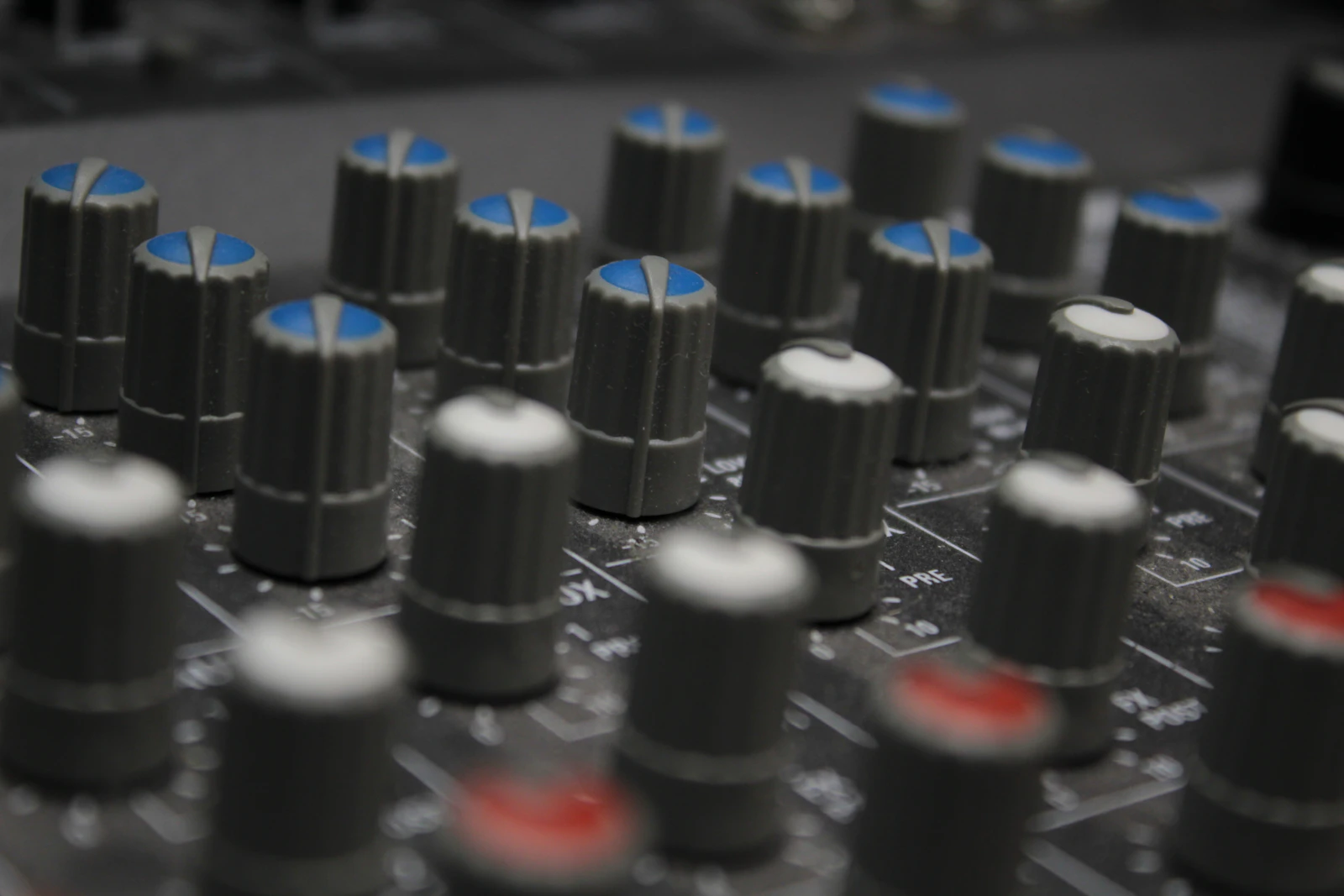
The Pioneer DJM-600 is a four-channel mixer that was a fixture of club booths for many years, and many are still in use. Its signal path is analogue, while its effects are digital, which is part of why it is still valued.
Its age, however, means that faders and rotary controls are now its most common source of problems. This guide covers the typical symptoms, what causes them and how they are repaired.
IDENTIFY THE FAULT
Common symptoms
- Crackling when a channel fader, crossfader or knob is moved.
- A channel cuts out or jumps in level at certain fader positions.
- Sound can still be heard with a channel fader fully down.
- The crossfader cuts in unevenly or does not fully cut one side.
- EQ or gain controls crackle or have dead spots.
What causes it
Faders and pots work by moving a contact along a resistive track. Over many years, the tracks wear and collect dust, smoke residue and dirt, and the contacts lose clean contact. That causes crackle, dropouts and uneven level changes.
Faders are especially exposed because their slots are open to the top of the mixer. Dust, drink and debris fall straight into them. A worn fader may also fail to reach true silence at the bottom of its travel, so a little of the signal can still be heard with the fader down.
Spills are a common cause of sudden problems. Sugary drinks leave residue that makes controls sticky and noisy, and they can cause corrosion on the circuit boards nearby.
Working on an older mixer
The DJM-600 is an older design, so parts availability needs checking for each repair. Some original parts are no longer easy to find, and suitable replacements have to be chosen carefully so the controls fit and behave correctly.
An older mixer also benefits from a general check while it is open. Switches, sockets and connectors age in the same way as faders and pots, and it is more efficient to deal with them together.
If the mixer has been stored for a long time, it is worth having it checked before using it in a set, as controls can deteriorate during storage.
The DJM-600 combines an analogue signal path with digital effects. If the channels sound clean but the effects are faulty, the problem is in a different part of the mixer from a fader or pot fault. Describing exactly which part of the mixer is affected helps the diagnosis start in the right place.
BEFORE YOU BOOK
Things to check before booking a repair
- Move each fader and knob slowly through its full range and note which ones crackle or cut out.
- Check whether the same control on another channel is clean.
- Listen with each channel fader fully down to check for bleed.
- Try the crossfader across its full travel with both sides playing.
- Note any spill or long storage in the mixer’s history.
- Do not spray cleaner into the fader slots or open the mixer.
Make a list of every affected control. On an older mixer there are often several, and dealing with them in one visit saves time.
If a channel is completely silent rather than noisy, test the inputs and input selector on that channel as well, as the fault may not be in the fader.
Keep the mixer switched on and playing for a while when testing, as some faults only appear once the unit has warmed up.
Test each input type on every channel, phono as well as line. Input selector switches wear and collect dirt too, and a noisy or dead channel can be caused by the switch rather than the fader.
WORKSHOP APPROACH
How we repair it
Ned tests every fader and rotary control, not just the ones reported. Worn or damaged faders and pots are replaced with suitable parts, and controls that are only dirty may be cleaned properly.
Spill residue is cleaned from the affected area, and the circuit boards are inspected for corrosion. Sockets, switches and connectors are checked while the mixer is open.
After the repair, every channel is tested for clean, quiet operation, and fader travel and crossfader cut are checked.
Why repair rather than replace
A DJM-600 that has been properly serviced can give many more years of reliable use. Faders and pots are normal wear items, not a reason to replace the mixer.
For DJs who like its sound and layout, repairing it keeps a familiar mixer in the booth.
Older mixers also benefit from careful storage. Keep the DJM-600 covered when not in use, store it somewhere dry, and avoid stacking heavy items on the faders. A mixer kept this way, and serviced when needed, can remain a dependable part of a set-up.
If you are buying a second-hand DJM-600, move every fader and knob slowly with music playing and listen carefully on headphones. Check each channel with its fader fully down. Crackles and bleed are not reasons to walk away, but they should be factored into the price.
COMMON QUESTIONS
FAQ
Why does my DJM-600 crackle?
Usually because faders or pots are worn or dirty after years of use.
Why can I hear a channel with the fader down?
A worn fader may not reach true silence at the bottom of its travel.
Are parts still available?
Availability varies, so parts are checked for each repair and suitable replacements chosen.
For more information about the equipment supported at the workshop, see our audio repairs in Bristol page.
SOUND SOLUTION AUDIO REPAIRS · BRISTOL
Related repair guides: DJM-500 fader and pot repair and DJM-800 channel 4 sound leaking.
Need help with your equipment?
Contact Ned with the exact model, a short description of the fault and when it happens, and any recent history such as a spill, drop, move or firmware update. Mention any upcoming booking so the repair can be planned around it.
Related repair guides: DJM-700 Channel 4 Sound Leaking · DJM-900NXS USB Audio Noise · DJM-900NXS2 Beat FX Cutting Out · DJM-250MK2 Channel Not Working