
PIONEER DJ · CDJ-2000NXS2 · REPAIR GUIDE
Pioneer DJ CDJ-2000NXS2 Main Board (PCB) Repair – Diagnosis
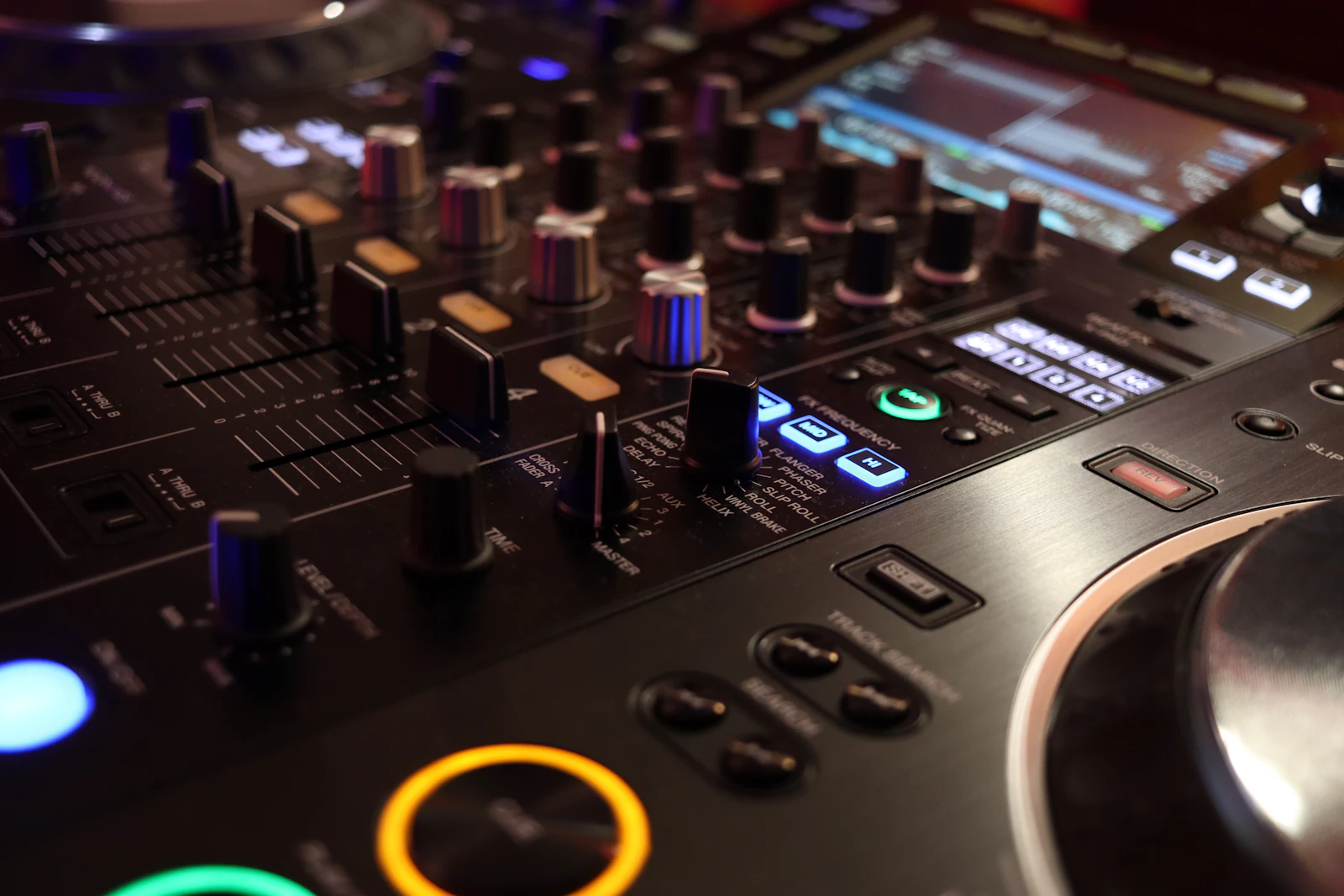
The Pioneer DJ CDJ-2000NXS2 has been a standard club player for years. When one develops a serious fault, such as failing to start, freezing or losing audio, it is often assumed that the main board has failed and the player is finished.
That is not always the case. Many faults that look like main board failure are caused by the power supply, a connector, the display, a USB socket or firmware. This guide explains how main board faults are identified and what can be done about them.
IDENTIFY THE FAULT
Common symptoms
- The player does not start, or starts and then switches off.
- The player freezes on the start-up screen or during use.
- USB drives or SD cards are not recognised at all.
- No audio from the outputs, even though the player appears to be playing.
- Pro DJ Link does not work, or the player is not seen by other units.
What causes it
A modern player like the CDJ-2000NXS2 has several boards working together: the power supply, the main processing board, the display and control boards, and the boards that handle inputs and outputs. A fault on any of them can stop the player working, and the symptoms often look similar.
Genuine main board faults can be caused by liquid damage, a power surge, physical damage from a drop, or components failing with age and heat. They can also follow a faulty power supply that has stressed other parts of the player.
Firmware is another cause to rule out. A failed or interrupted firmware update can leave a player behaving as if it has a hardware fault. Checking the firmware version, and updating it where appropriate, is a sensible first step if the player still starts.
Heat is a factor in busy booths. Players packed tightly together, or placed near amplifiers or lighting, run warmer than they should, and heat shortens the life of electronic components over time.
Why diagnosis matters before replacing a board
Replacing a main board is one of the most expensive repairs a player can need, so it is important to be sure it is necessary. A failed power supply, a cracked joint on a connector or a damaged ribbon cable can produce symptoms that are almost identical to a main board fault, and they are much cheaper to put right.
A careful diagnosis starts with the power supply voltages, then the connections between boards, then the boards themselves. Where a main board fault is confirmed, the specific failed component may sometimes be repaired rather than replacing the whole board, depending on the fault.
If the player has had liquid spilled into it, corrosion can continue to spread after the event. Getting it checked early gives the best chance of a straightforward repair.
BEFORE YOU BOOK
Things to check before booking a repair
- Try a different power cable and mains socket.
- Note exactly what the screen shows when the player starts, and where it stops.
- Try a different USB drive or SD card that works in another player.
- Check the firmware version if the player starts, and whether a recent update was interrupted.
- Try the player on another mixer channel and LAN cable.
- If liquid has been spilled into it, switch it off and do not use it again until it has been checked.
A short video of the start-up sequence or the fault can be very helpful, especially if the fault is intermittent.
Note any history of drops, spills, power cuts or previous repairs. All of these help point to the cause.
If the player still starts, it is worth backing up any settings you rely on, such as MY SETTINGS saved to a USB drive, before sending it for repair.
If the player starts but there is no sound, test both the analogue and digital outputs into the mixer. If one works and the other does not, the fault is in that output stage rather than the main processing, which is useful information for the workshop.
WORKSHOP APPROACH
How we repair it
Ned checks the power supply first, then the connections and individual boards, to identify where the fault really lies. Only once the main board is confirmed as the cause is a board-level repair considered.
Depending on the fault, a failed component may be repaired, or the board or another affected part replaced. Liquid damage is cleaned and treated to stop corrosion spreading.
After the repair, the player is tested thoroughly: start-up, media playback from USB and SD, audio outputs, Pro DJ Link and all controls, followed by an extended run to check for intermittent faults.
Why repair rather than replace
A CDJ-2000NXS2 with a fault is still a valuable professional player. Many apparent main board faults turn out to be cheaper repairs once they are properly diagnosed.
Even when the main board is at fault, repair is often more cost-effective than replacing the player, and it keeps a matched pair of players together.
A professional repair also means the player is tested as a whole afterwards, rather than just the part that was replaced. That matters in a club, where a player has to work reliably for hours at a time alongside other players and a mixer on the same network.
COMMON QUESTIONS
FAQ
Does a dead CDJ-2000NXS2 always need a new main board?
No. The power supply, connectors, display and firmware can all cause similar symptoms.
Should I update the firmware?
If the player starts, checking and updating the firmware is a sensible first step. Never interrupt an update.
What should I do after a spill?
Switch the player off, unplug it and have it checked before using it again.
For more information about the equipment supported at the workshop, see our audio repairs in Bristol page.
SOUND SOLUTION AUDIO REPAIRS · BRISTOL
Related repair guides: CDJ-2000NXS2 black screen and CDJ-2000NXS2 touchscreen not responding.
Need help with your equipment?
Contact Ned with the exact model, a short description of the fault and when it happens, and any recent history such as a spill, drop, move or firmware update. Mention any upcoming booking so the repair can be planned around it.
Related repair guides: CDJ-3000 Jog Wheel Problems · CDJ-3000 rekordbox Tracks Not Loading · CDJ-2000NXS2 Jog Adjust Knob Fault · CDJ-3000 Touch Preview and Touch Cue Not Working